Convert GTA5 Mods to FiveM
Skip the manual extracting, file restructuring and manifest writing. Paste a link, get a FiveM-ready resource in 30 seconds.
Paste the page link of any vehicle mod from gta5-mods.com
Recent Conversions
First 3 conversions are free, no signup. Compare plans
8,193
Mods Converted
2,508
Users Served
~30s
Avg. Conversion
How It Works
Three steps. Under a minute. No technical knowledge required.
Paste URL
Find any vehicle mod on gta5-mods.com and paste the URL
Convert
We extract the mod's models, textures and meta files and write the fxmanifest.lua — all automatically
Download
Get a ready-to-use ZIP. Drop it in your server's resources folder and go
More than a converter
The full toolkit for getting cars onto your server
Convert, then check it, fix the textures, and pack it with the rest of your fleet. Everything runs in your browser, nothing gets uploaded.
STEP 1
Convert
Paste a gta5-mods.com link
STEP 2
Inspect
Finds the problem, shows the fix
STEP 3
Optimize
Smaller, lighter textures
STEP 4
Pack
One resource, one ensure
Resource Inspector
Find out why a car spawns invisible: checks the manifest, stream files, asset memory and metas.
Texture Optimizer
Resize oversized .ytd files in your browser. Lossless mip-drop, no upload.
Car Pack Builder
Merge many cars into one resource with a single manifest, deduped textures and conflict checks.
Why Use Our Converter
Built for FiveM server owners who want things to just work.
A Complete Resource Folder
Writes the fxmanifest.lua and sorts the mod's own meta files into a common folder and its models and textures into a stream folder.
Add-On & Replace Mods
Add-on mods come back with their meta files. Replace mods come back as a stream-only resource. Cars, bikes, trucks, planes.
30 Seconds, Not 30 Minutes
What normally takes manual downloading, extracting, and restructuring is done instantly.
Server-Ready Output
Drop the ZIP into your resources folder, add one line to server.cfg, restart. Done.
A Name in Game, Not NULL
Add-on zips include vehicle_names.lua, already loaded by the manifest. It gives the car's name key a text, so there is no display-name script left for you to write. To rename the car, edit the quoted text on its line.
QBCore, Qbox and ESX Entries Filled In
The README in an add-on zip has the vehicle entry for each framework with the car's real spawn name: paste it into your vehicle list and set your own price, category and shop.
Every file in the zip, with a real example: what is inside a converted FiveM car zip
dlc.rpf and Single-Player Mods to FiveM
Vehicle mods on gta5-mods.com are built for single-player GTA 5. A FiveM server cannot load them as they are, so the converter unpacks them into a resource it can.
dlc.rpf to FiveM
An add-on car ships as a single dlc.rpf archive. Paste the mod's gta5-mods.com link and the dlc.rpf, including the archives nested inside it, is unpacked into a stream folder, the mod's meta files and an fxmanifest.lua. How a dlc.rpf becomes a resource
Single-player (SP) to FiveM
The same SP mod you would install with OpenIV comes back as a FiveM resource: no OpenIV, no Windows PC and no manual folder work. SP to FiveM, step by step
Add-on and replace
Add-on mods keep their own spawn name and meta files. Replace mods come back as stream files that take the place of a stock car. Add-on to FiveM · Replace to FiveM
The converter works from a gta5-mods.com vehicle link. It does not take an uploaded dlc.rpf; for a file that only exists on your disk, follow the manual route in the dlc.rpf guide.
Need Exclusive FiveM Cars?
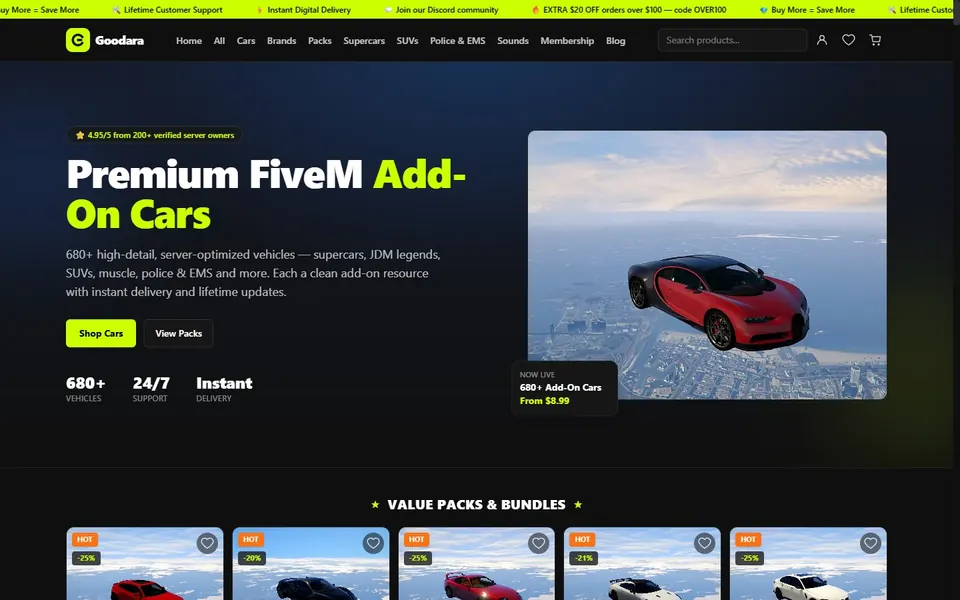
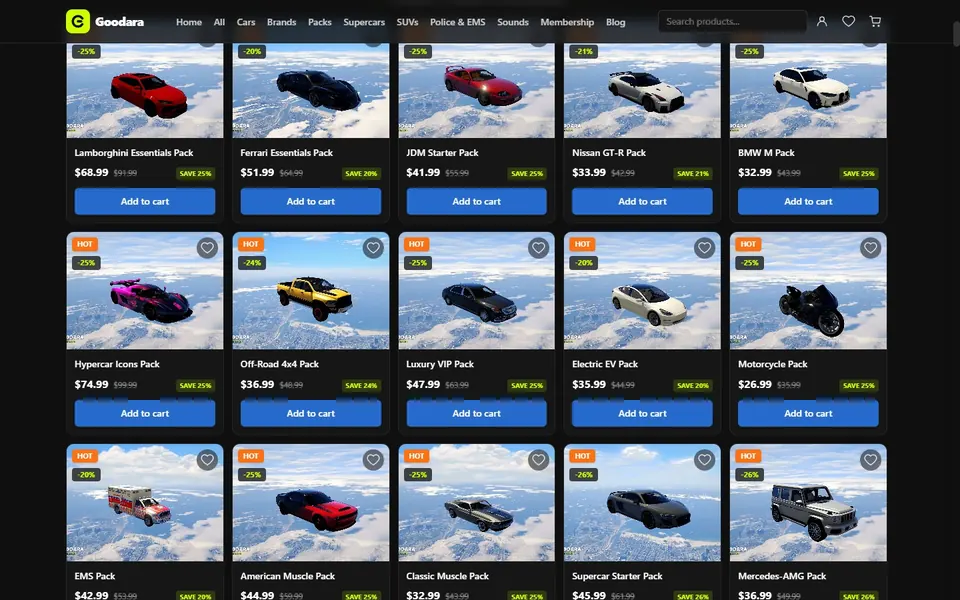
Skip the conversion process entirely. Goodara offers 680+ high-detail, server-optimized FiveM vehicles — supercars, JDM legends, SUVs, muscle, police & EMS — each a clean add-on resource with instant delivery and lifetime updates.
- 680+ High-Detail Add-On Vehicles
- Instant Digital Delivery
- Lifetime Updates & Support
Trusted by FiveM Server Owners
What server owners and developers say about automating their mod conversion workflow.
"Literally saves me hours. I used to dread adding new car packs because of the meta file restructuring. Now I just paste links and I'm done in minutes."
Marcus V.
Server Owner
"The Add-On conversion is flawless. It extracts the DLC packs correctly every time. Worth every penny for the unlimited access."
Chris 'Pixel' R.
FiveM Developer
"We use this for our roleplay server's emergency fleet. It made our transition to a custom fleet so much easier. Highly recommend."
Sarah L.
Community Manager
Frequently Asked Questions
What is GTA5 Mods Convertor?
GTA5 Mods Convertor is an automated tool that converts vehicle mods from GTA5-Mods.com into FiveM-ready resource packages. It downloads the mod, extracts the model, texture and meta files it ships with, arranges them into a resource folder and writes the fxmanifest.lua for you.
How does the conversion process work?
Simply paste a link to a vehicle mod from GTA5-Mods.com. The converter downloads the mod, pulls out its model and texture files into a stream folder, puts the mod's own meta files (vehicles.meta, handling.meta and so on) in a common folder, writes an fxmanifest.lua that declares them, and packages everything as a ZIP. For an add-on mod the ZIP also gets a vehicle_names.lua script for the car's in-game name and a README with vehicle entries for QBCore, Qbox and ESX.
Do I need to edit any files manually?
To get the car in game, no: unzip it into your server's resources folder and add the resource name to server.cfg. An add-on zip includes vehicle_names.lua, a small script that gives the name key from the mod's vehicles.meta a text, so the car shows a name in game instead of NULL; to change the name, edit the quoted text in that file and restart the resource. The README in the zip has the vehicle entry for QBCore, Qbox and ESX filled in with the car's spawn name, and you set the price, category and shop before pasting it. Replace mods get neither. Custom engine sound packs are not carried over, and the meta files are the mod's own, so handling is whatever the author shipped.
Is this a one-time payment?
Yes. The $15 upgrade is a one-time payment for lifetime unlimited access. There are no monthly subscriptions or hidden fees.
Does it work with Add-On and Replace vehicles?
Yes, with a difference. An add-on mod comes back as a full resource: fxmanifest.lua, the mod's meta files, a stream folder and a vehicle_names.lua script for the in-game name. A replace mod comes back as a stream-only resource in a folder named replace_resources, with no meta files, and it takes the place of the stock vehicle it was made for.
Can it convert a dlc.rpf to FiveM?
Yes, when the mod is on GTA5-Mods.com. Paste the mod's page link and the converter downloads it and unpacks the dlc.rpf, including the archives nested inside it, into a FiveM resource. It does not accept an uploaded dlc.rpf file; for one that only exists on your disk, the dlc.rpf guide covers the manual route.
Does it convert single-player (SP) mods to FiveM?
That is what it is for. Vehicle mods on GTA5-Mods.com are made for single-player GTA 5, and the converter turns them into resources a FiveM server can stream. It does not go the other way, from a FiveM resource back to a single-player mod.
Need More Than 3 Conversions?
Pay once, convert forever. No subscriptions, no hidden fees.
Unlimited + Pro tools
$15
one-time payment
- Unlimited conversions forever
- Pro tools: Inspector reports, Texture Optimizer, Car Pack Builder
- All vehicle mods supported
- Priority support
- 14-day money-back guarantee
Secure payment via Stripe. Access unlocks right after checkout.